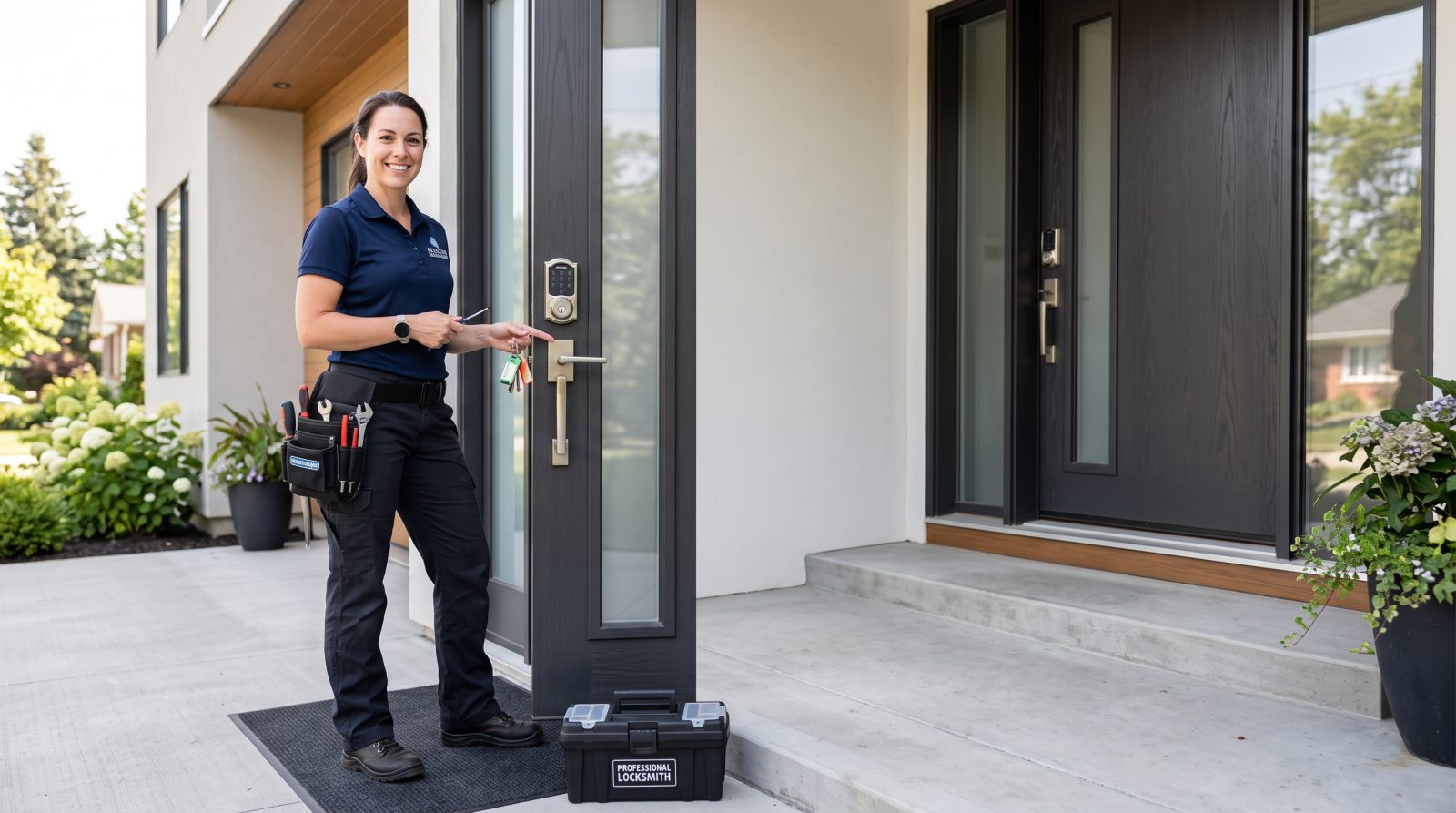
How secure is a smart lock compared to a traditional deadbolt?
The physical security of a smart lock is mostly determined by the same things that govern any deadbolt: the grade of the lock body, the length and quality of the bolt, the strength of the strike plate, and how well the door and frame are built. Many smart locks are built on, or replace the interior thumbturn of, a standard deadbolt, so the part that resists forced entry can be identical to a conventional lock. In other words, a smart lock is not automatically weaker at the door than a mechanical one.
Locks in the U.S. are commonly rated under the ANSI/BHMA grading system (Grade 1, 2, or 3), where Grade 1 is the most robust. Some smart locks carry these ratings and some don't, so the rating is worth checking before you buy. A smart lock with a Grade 1 or Grade 2 deadbolt and a reinforced strike plate gives you mechanical security comparable to a traditional lock at the same grade.
What a smart lock adds on top of the mechanics is a digital layer: keypads, app control, encrypted radios (Bluetooth, Wi-Fi, Z-Wave, or Zigbee), and sometimes cloud accounts. That layer can make day-to-day access more convenient and more trackable, but it's also where the new, non-mechanical risks live. So the honest comparison isn't 'smart vs. dumb' — it's 'same physical lock, plus software and electronics you now have to maintain.'
What are the real advantages of a smart lock?
The benefits of a smart lock are practical and, for many households, genuinely useful. The strongest advantages tend to be about access management rather than raw 'security' in the break-in sense.
Keyless entry removes the risk of a hidden spare key under the mat, which is one of the easiest things for an opportunist to check. You can also stop worrying about copied keys you can't account for.
- No physical key to lose, copy, or hide outside — a common weak point with traditional locks
- Unique codes for family, guests, dog walkers, or contractors that you can create and delete on demand
- Access logs that show when a code or app was used to lock or unlock the door
- Auto-lock features that re-lock the door after a set time, helping with the 'did I lock it?' problem
- Remote lock/unlock and status checks from your phone when a model supports it
- Easy to revoke access instead of rekeying or replacing a lock after a roommate moves out or a code is shared too widely
What are the honest downsides and risks?
Every advantage of a smart lock comes with a corresponding trade-off, and a fair guide has to name them. None of these makes smart locks a bad idea on their own, but together they're the reason some people stick with mechanical locks.
The most common day-to-day issue is the most boring one: power. Smart locks run on batteries, and a dead battery can leave you unable to use the keypad or app. Most quality models include a physical key override or an external contact to power the lock with a battery, but you need to know your model's backup method before you're standing outside in the rain.
Beyond power, the digital layer introduces risks a mechanical lock simply doesn't have. These are manageable, but they're real and worth understanding before you commit.
- Battery dependence — a depleted battery can disable electronic access until you use the backup method
- Software and account risk — weak passwords, reused passwords, or an unsecured Wi-Fi network can expose the lock's account; use strong, unique passwords and two-factor authentication where offered
- Connectivity dependence — remote features stop working if your Wi-Fi or the manufacturer's servers go down
- Shared or guessable codes — a PIN that's written down, over-shared, or set to something obvious (like 1234) undermines the whole system
- Long-term support — if a manufacturer stops issuing security and app updates, an older smart lock can become harder to trust over time
- More to maintain — firmware updates, battery changes, and account hygiene are ongoing tasks a deadbolt never asks of you
How do you make a smart lock as secure as possible?
Most of a smart lock's security comes down to choices you control: which lock you buy, how it's installed, and how you manage access. A strong smart lock on a weak door, or a great lock with a sticky-note PIN on the wall, isn't actually secure.
Start with the hardware and the door. A smart lock is only as strong as the frame it's mounted in — a reinforced strike plate and long screws that bite into the wall stud do as much for real-world security as the lock body itself. Choosing a model with a recognized ANSI/BHMA grade and a sensible physical backup gives you a solid foundation.
Then treat the digital side like any other account that protects your home.
- Buy a reputable, currently-supported brand and confirm it still receives firmware/app updates
- Choose a model with an ANSI/BHMA grade and a reliable backup (physical key or external power contact)
- Reinforce the strike plate and use long mounting screws into the door frame's stud
- Set a long, non-obvious PIN; avoid 1234, birthdays, or your address number
- Use unique codes per person and delete codes you no longer need
- Protect the linked account with a strong, unique password and two-factor authentication
- Secure your home Wi-Fi network, since the lock often connects through it
- Keep firmware updated and change batteries before they fully drain
Should San Jose homeowners switch to a smart lock?
For a lot of San Jose and South Bay households, a smart lock is a reasonable upgrade — especially if you're already juggling spare keys for family, regularly let in guests or service providers, or want the auto-lock safety net. The convenience of keyless entry and revocable codes solves problems that mechanical locks can't, while keeping comparable physical strength when you pick a graded model.
That said, it isn't the right call for everyone. If you prefer the simplicity of a lock with no batteries, no app, and no account to manage, a high-quality traditional deadbolt with a reinforced strike plate is still a perfectly legitimate, secure choice. Some homeowners split the difference: a smart lock on the main entry for convenience, and standard deadbolts elsewhere.
Whichever direction you lean, the door and frame matter as much as the lock. A local locksmith can look at your specific entry, recommend a hardware grade that fits your home, and install it so the bolt, strike, and frame all work together — that's where lasting security actually comes from. If you're weighing a smart lock or a traditional upgrade in San Jose, you can request a free quote and talk through the options for your door.